
4-piece Trim Removal Tool Kit
Four useful shapes for lifting interior trim and helping route accessory cables neatly.
$19.00
Manufacturer product imagery. Final supplied packaging and inclusions will be stated before orders open.
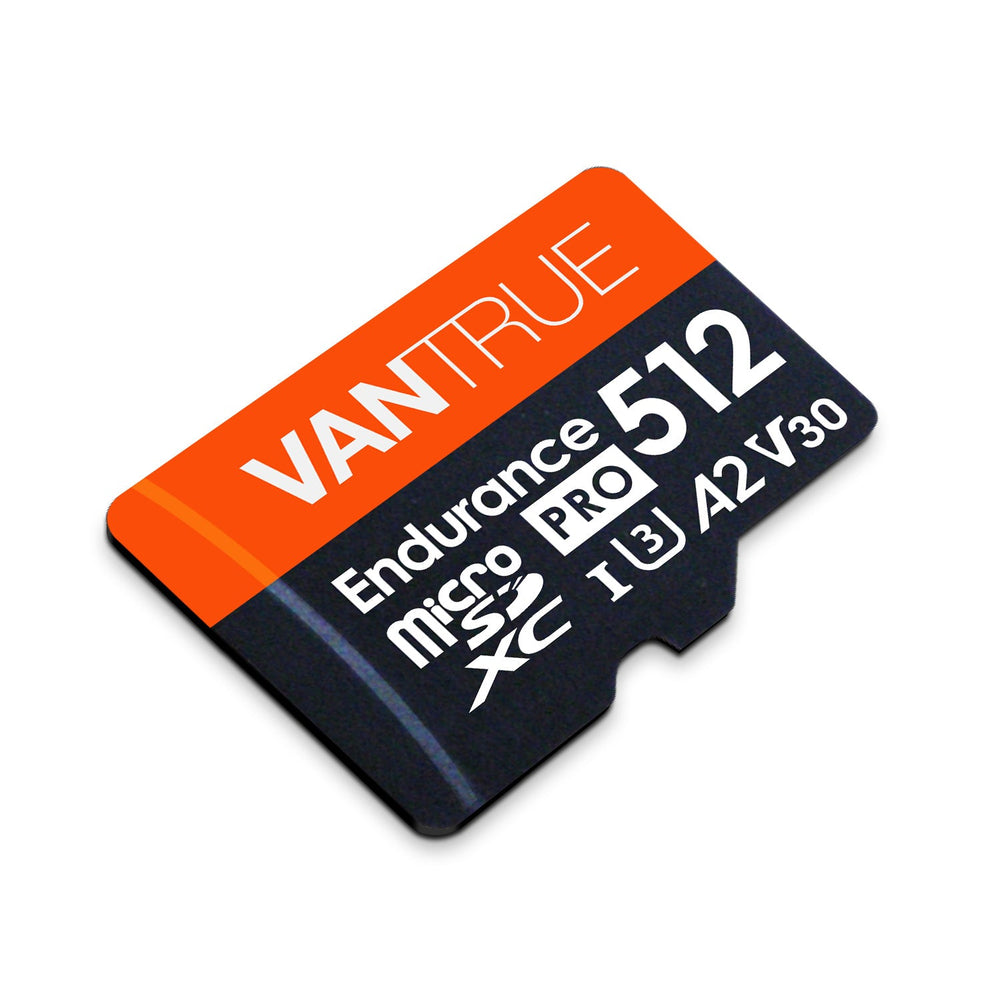
High-capacity microSD storage for compatible dash cams, designed for the repeated writing that continuous recording requires.
Launch pricing active for early Drive4K customers.
Supplier fulfilled · Shipping calculated at checkout
Vantrue’s listing includes an SD adapter. Final Drive4K packaging will be confirmed before ordering.
The card supplies storage. It does not provide parking power or add a camera feature.
Not right for your car? Contact us within 30 days.
Estimated 2–4 business days on current Australian supplier routes. Shipping calculated at checkout.
Encrypted checkout. Supported payment methods shown before payment.
Check what is already included, then choose any extras that suit your car and devices.
Swipe to see optional extras →
Four useful shapes for lifting interior trim and helping route accessory cables neatly.
$19.00
Give loose cables a planned route with a generous pack of small adhesive clips.
$19.98
A mix of square and round double-sided pads for suitable small accessory mounts on smooth surfaces.
$47.50A high-capacity option for cameras that explicitly support 512GB microSD cards.
Vantrue lists these speed classes for video recording. Actual performance depends on the camera, settings and files.
The manufacturer lists an SD adapter for use with a compatible full-size SD reader.
A camera can only save a useful recording if its storage is working correctly. This Vantrue 512GB card is intended for repeated video recording. Match its capacity to your exact camera, format it as directed and make checking saved clips part of your regular routine.
Loop recording uses the card repeatedly. Important files need to be preserved separately.
System overview. Confirm the devices and connections required for your setup.
A bigger card does not replace routine checks.
Use the camera’s current manual to verify 512GB support and any required firmware or format.
Follow the model’s formatting instructions before recording. Back up needed files first; formatting erases them.
Check that recent clips play correctly. Preserve important originals outside the camera before loop recording overwrites them.
Card capacity, speed class and camera support all matter.
Ask a setup question →Confirm that your exact model supports 512GB. A microSD slot by itself does not establish capacity compatibility.
Follow the camera manufacturer’s storage recommendation for the number of channels and recording settings you use.
Use a suitable reader when transferring files. Formatting and maintenance should follow the camera manual.
Vantrue’s listing includes an SD adapter. Final Drive4K packaging will be confirmed before ordering.
The card supplies storage. It does not provide parking power or add a camera feature.
Clear package details, practical fitting information and a direct contact when you need help.
Contact Drive4K →Check the product’s fit, power and package details before installing it in your car.
Explore installation guidance →| Included | Arrange separately |
|---|---|
| Vantrue’s listing includes an SD adapter. Final Drive4K packaging will be confirmed before ordering. | The card supplies storage. It does not provide parking power or add a camera feature. |
Buying this as part of a dashcam setup? Our free guide covers power, recording cards and footage checks.
Read the Dash Cam Setup Guide →Manufacturer specifications. Confirm the exact supplied version and compatibility before installation or use.
| Accessory | Vantrue microSD Card 512GB |
|---|---|
| Capacity | 512GB |
| Speed class | UHS-I U3 / Class 10 listed |
| Read/write | Up to 100MB/s read and 90MB/s write |
| Operating temperature | 32F to 158F |
| Storage temperature | -13F to 185F |
| Included accessory | SD adapter |
Check the exact model, vehicle fit and package before choosing your setup.
Explore support & care →No. Check the exact camera’s supported capacity, speed class and formatting instructions. A microSD slot alone is not a compatibility guarantee.
There is no single duration. Channel count, resolution, bitrate, codec and recording mode affect the amount of footage stored.
Follow the camera’s manual and format using its recommended method. Back up any needed files first, because formatting erases the card.
No. Loop recording can replace older files when its allocated space is full. Save important original clips to another location.
A card is an accessory, not an automatic inclusion with every camera.